Table des matières
Progressive Web App (PWA)
-
- des tips dans la docs de workbox
- MDN Doc (Mozilla Developer Network)
- Web.dev PWA by members of the Chrome team, and external experts.
- MDN
-
- Immediate Claim: Register a service worker, Delete old cache if present, Immediately claim the service worker
-
- Android
- Trusted Web Activity (TWA): Activité Web Fiable est une nouvelle façon d'ouvrir le contenu de votre application Web, comme votre progressive web app, à partir de votre application Android. Aperçu.
- Apple
- ios-pwa-wrap le template original pour IOS utilisé par PWABuilder. Contient quelques explications, screenshoots et exemples Javascript.
Articles:
- PWA sur les plates-formes de téléchargement d'applications on Google Play Store, Microsoft Store, App Store d'Apple, Meta Quest Store with PWABuilder.com (2023/03/31, Thomas Steiner on web.dev)
- Learn Progressive Web Apps with 30DaysOfPWA Series' Articles by Nitya Narasimhan, 2022
- #27 - Best Practices for PWA: Authentication with federated, webauthn
- Sur les techniques de “cache” et “offline”
Tools
-
- Take a screenshot website online
-
- Des bibliothèques et des outils de service worker prêts pour la production. Créez des progressive web apps (PWA) avec Workbox, la bibliothèque de service worker de l'équipe Chrome.
- Web Push for PHP
- minishlink/web-push can be used to send push messages to endpoints as described in the Web Push protocol RFC8030
- Minishlink/web-push-php-example a complete example with html+JS frontend and php backend using
web-push-php
Online démos
- What PWA Can Do Today pour tester les différentes fonctionnalités sur chacune des plateformes (iOS, Android, …) par Danny Moerkerke
- Push
- https://simple-push-demo.vercel.app/ explique bien les différents éléments
- WebAuthn
Applications
mine: croustiwiki
- App Directories
- MDN Web Docs PWA Examples
-
- A sample Progressive Web App Created using vanilla JS - no framework at all.
-
-
- vanilla Js
- gestion du cache
- web app that removes unnecessary junk from web links in one click.
- If you install Link Cleaner with a supported browser and operating system (e.g. Chrome on Android), it appears in your system share menu
-
- vanilla Js
- gestion du cache
-
- A Progressive Web App template with a responsive layout and mobile app look & feel.
- using lightweight zuix.js library for building modular, component-based websites and apps that use standard HTML, CSS, and JavaScript. It's framework-agnostic, and does not require any bundler, package manager, or transpiling to work.
- librairie orientée mobile, à essayer absolument

- pwa-qr-code-scanner Lightweight progressive web app for scanning QR codes offline. Par l'auteur de web-push-libs/web-push-php
Techno
Installation
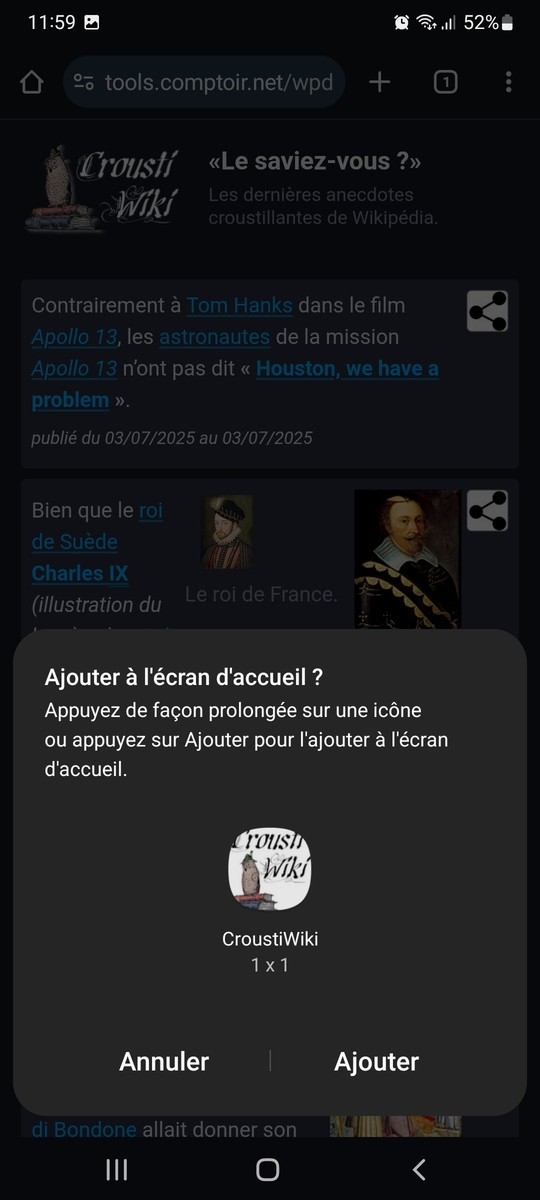
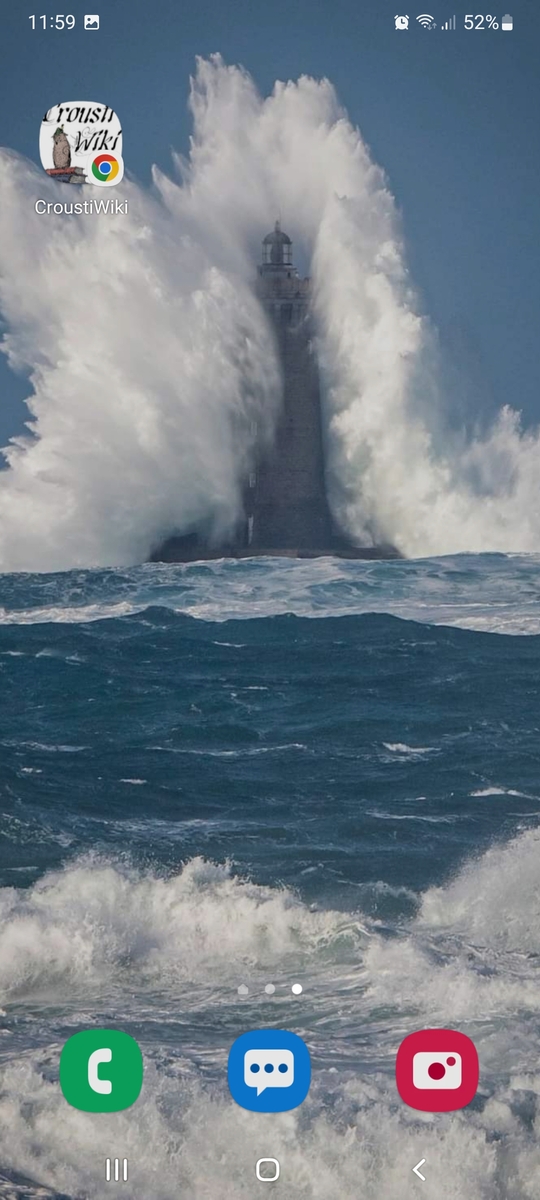
Pour installer un PWA sans passer par une compilation et publication sur un magasin d'application: “installer sur l'écran d'accueil” aka A2HS.
😩 L'event beforeinstallprompt n'est pas implémenté par Safari on iOS ni Firefox for Android → MDN browser_compatibility
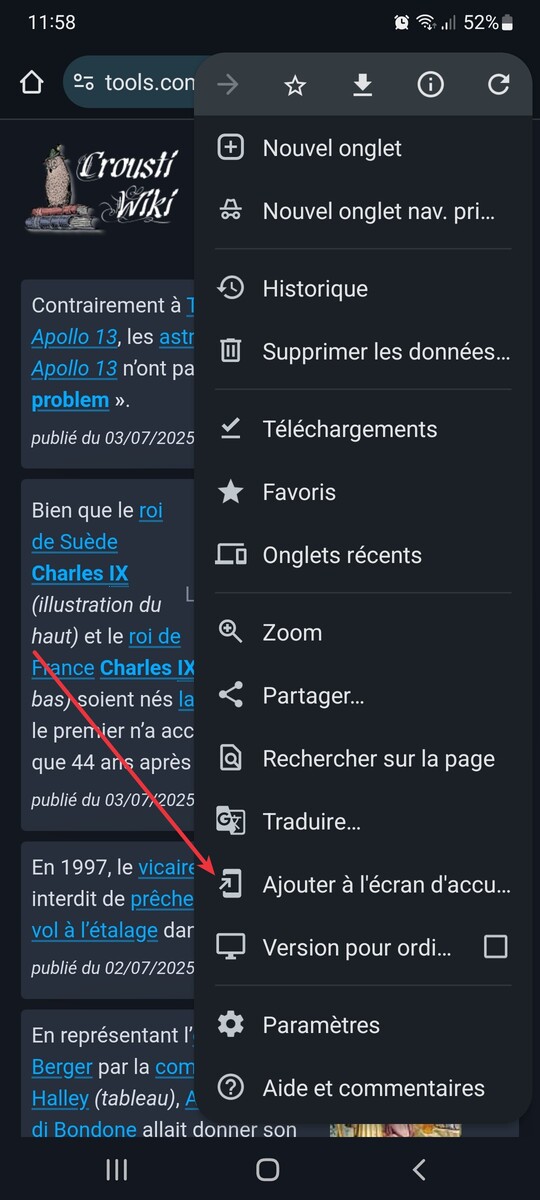
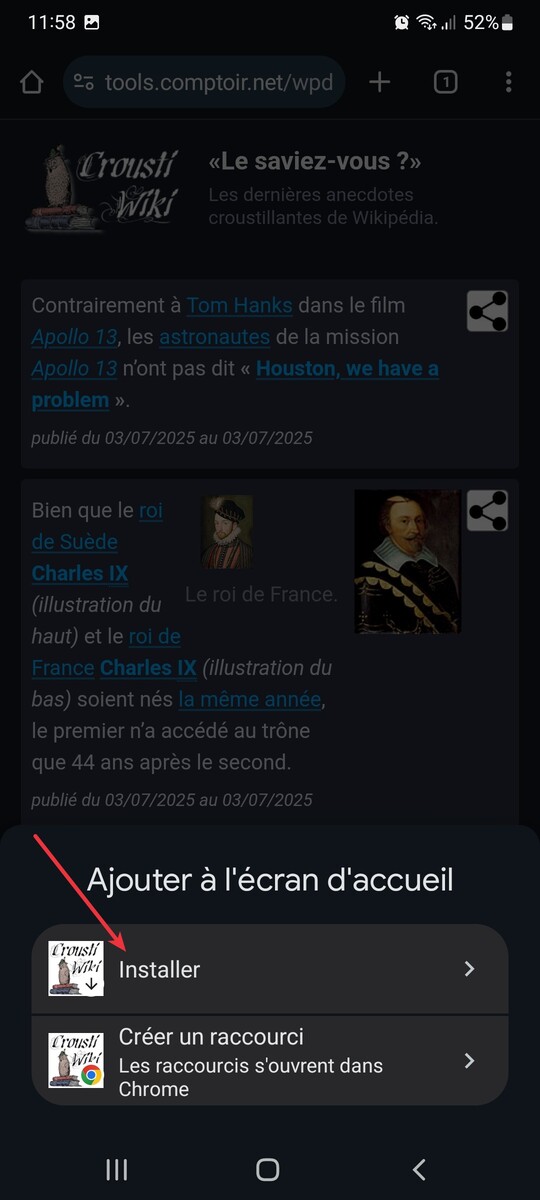
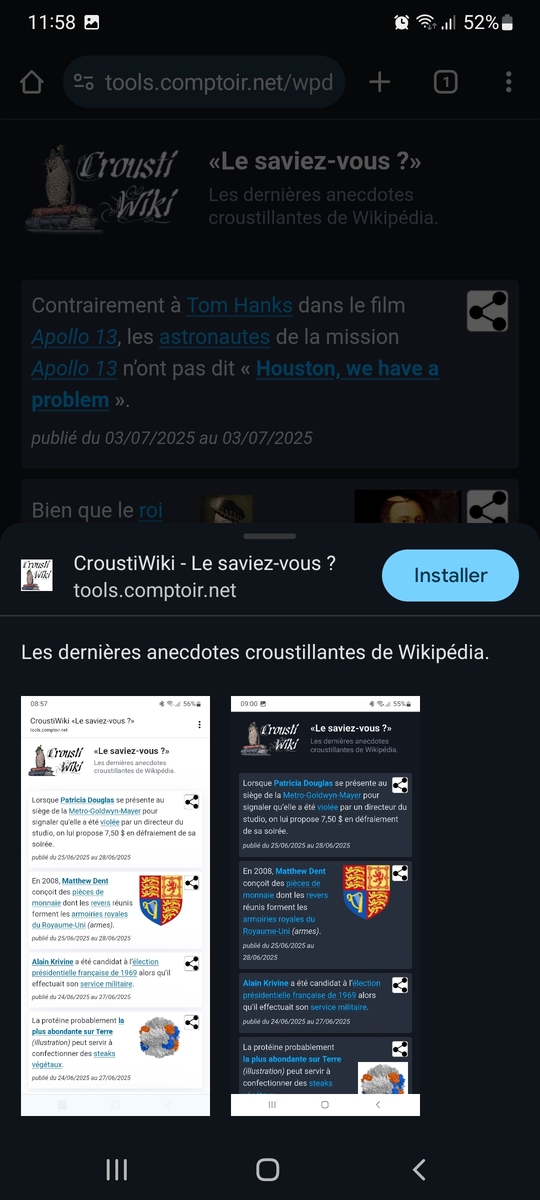
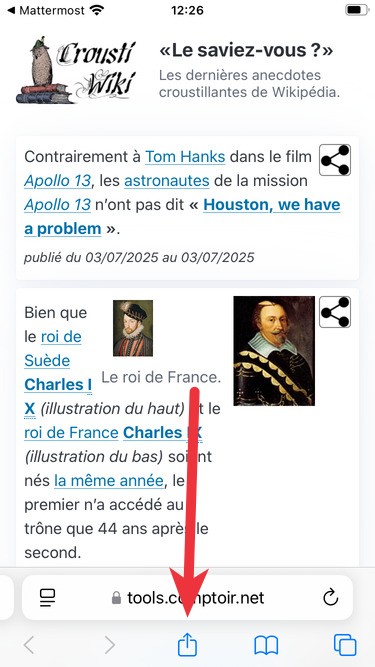
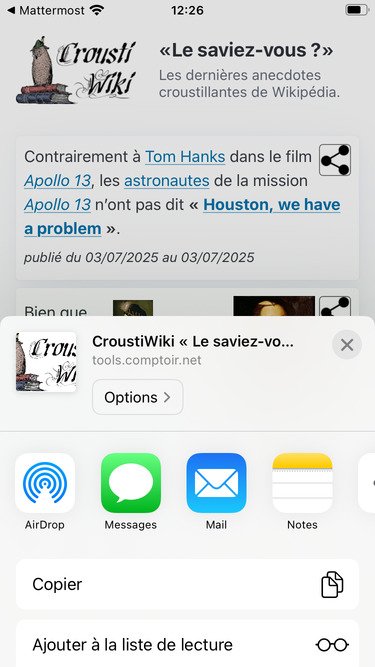
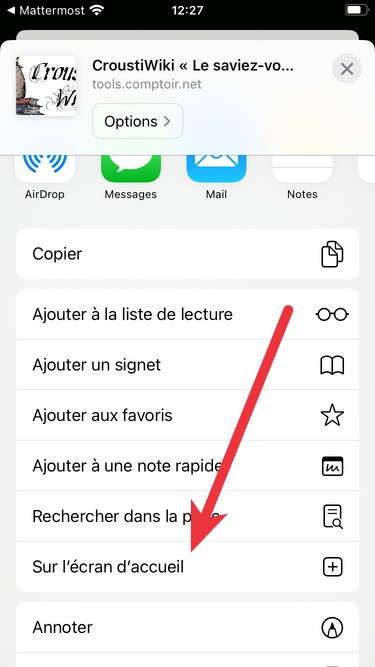
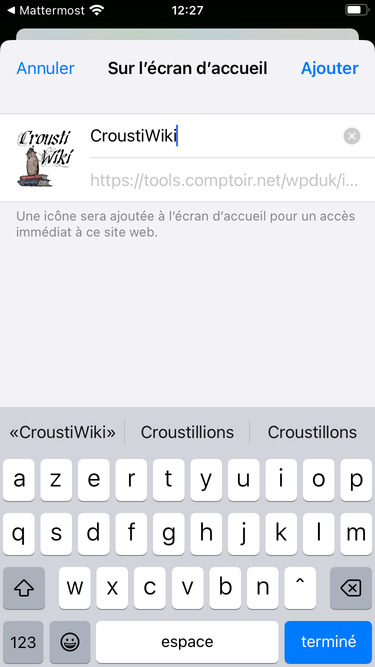
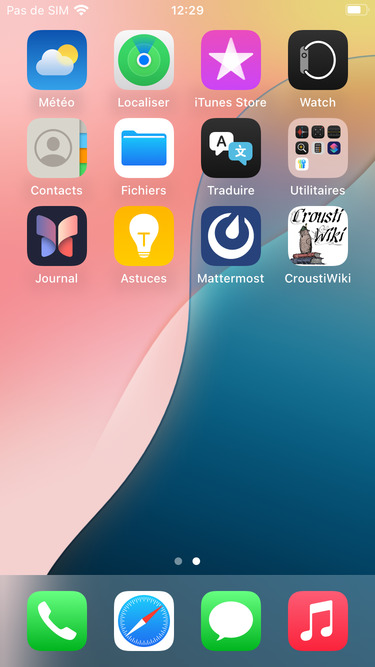
Sans beforeinstallprompt il faut expliquer selon, la plateforme, comment Ajouter à l'écran d'accueil (Add to Home Screen aka A2HS)
- Safari: To add PWA to the Home Screen, open the app in Safari on iOS, go to the Share menu, scroll down and tap “Add to Home Screen”.
- 😩 Apple l'a retiré (iOS 17.4, early 2025) mais il va le remettre : https://developer.apple.com/forums/thread/745414?page=2
- Après essai sur un iOS 18.x le menu A2HS n'est pas revenu 😤
Apple:
- a native technology known as Web Clips is used to create the PWA icons in the operating system. They are just XML files in Apple's Property List format stored in the filesystem.
Doc:
- démo de DannyMoerkerke
Is your app installed?
-
- Experimental ! Seulement Chrome-android et Samsung-internet (2025-07)
Tools & libraries :
- https://github.com/khmyznikov/pwa-install Installation dialog for PWA and Add to Home Screen/Dock dialog for Web Apps.
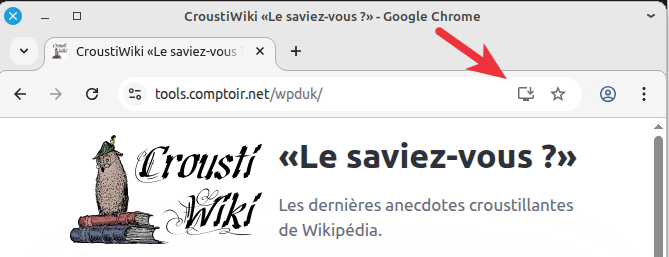
Linux Chrome
Android Chrome
iOS Safari
Push API / WebPush
L’implémentation Push API utilise un service tiers configuré et fourni gratuitement par l'éditeur du navigateur.

- Mozilla
- J'ai ouvert une MDN document issue
- Google
https://jmt17.google.com/fcmFirebase Cloud Messaging (FCM), anciennement appelé Google Cloud Messaging (GCM) docu -
- ex Apple Push Service (APS)
Voluntary Application Server Identification (VAPID) for Web Push 8292 9749
- page de démo
- https://simple-push-demo.vercel.app/ explique bien les différents éléments
- Mozilla / Firefox
- Apple / Safari
- Sending web push notifications in web apps and browsers (developer.apple.com)
- Les notifs fonctionnent très bien (après A2HS), même mieux qu'avec Chrome ou Firefox car elles apparaissent sur l'écran vérouillé. Par contre Webkit (Safari) nettoie automatiquement toutes les données d'un site non visité depuis “un certain temps”, dont le ServiceWorker qui se voit supprimé. Voir Meet Declarative Web Push qui rappelle le fonctionnement de l'ITP (Intelligent Tracking Prevention) de Webkit.
Voir chapitre “tools” pour la mise en œuvre.
BadJwtToken
Apple: un POST d'envoi de message sur web.push.apple.com donne un 403 Forbidden et reason:BadJwtToken avec le même code 😤 que pour Google et Mozilla qui eux fonctionnent.
Après lecture attentive de Sending web push notifications in web apps and browsers :
BadJwtToken
The JSON web token (JWT) has one of following issues: The JWT is missing. The JWT is signed with the wrong private key. The JWT subject claim isn’t a URL or mailto:. The JWT audience claim isn’t the origin of the push service where you sent the request. The JWT expiration parameter is more than one day into the future.
note: Apple seems to refuse url if it's TLD does not exists : it works with https://pouet.world but fail with https://code.devhost.
stale/invalid subscriptions
WebAuthn
Web Authentication API (WebAuthn)
La démo WebAuthn fonctionne sur Android + Firefox, après avoir autorisé les Services Google Play à accéder aux fichiers (Storage). Thanks to Danny Moerkerke.
Android+Firefox : WebAuthn fonctionne sans besoin d'installer la page sur l'écran d'accueil de l'appareil.
Web Share
This API should not be confused with the Web Share Target API.
Propriétés de partage (aka Share Data) :
- title
- partage email : c'est l'objet de l'email
- partage mattermost : pas utilisé 😞
- text
- url
- La valeur de
urlest relative àwindow.location. Si on codeurl=“@todo”dans le partage ça donnehttps://tools.comptoir.net/wpduk/@todo
ServiceWorker
Après tous les exemples rencontrés, la méthode d'inscription du ServiceWorker la plus aboutie: sw-registration.js de DannyMoerkerke (again! of course!) accompagné de son service-worker.js.
Développement
Le débugueur de Chrome/Chromium est plus pratique, mais il n'aime pas le certificat sans autorité reconnue (self-signed).
chromium \
 --ignore-certificate-errors \
 --unsafely-treat-insecure-origin-as-secure=https://code.devhost/ \
 https://code.devhost/dev/wikipedia-did-you-know/wikipedia-did-you-know.pwa/
Pour Firefox il faut lancer un autre outil avec Ctrl + Shift + J et sélectionner “multi-processus”.
Flutter integration
Avec le widget inapp_webview.